
Where did that screen go?
Specs, errors, diagrams, references. Whatever you opened, still at hand.
Paste your screens onto one board.
No more “where did that thing go?”Specs, reference images, to-dos — cut out the screens you need, paste them onto one board, and work with all of it in view.
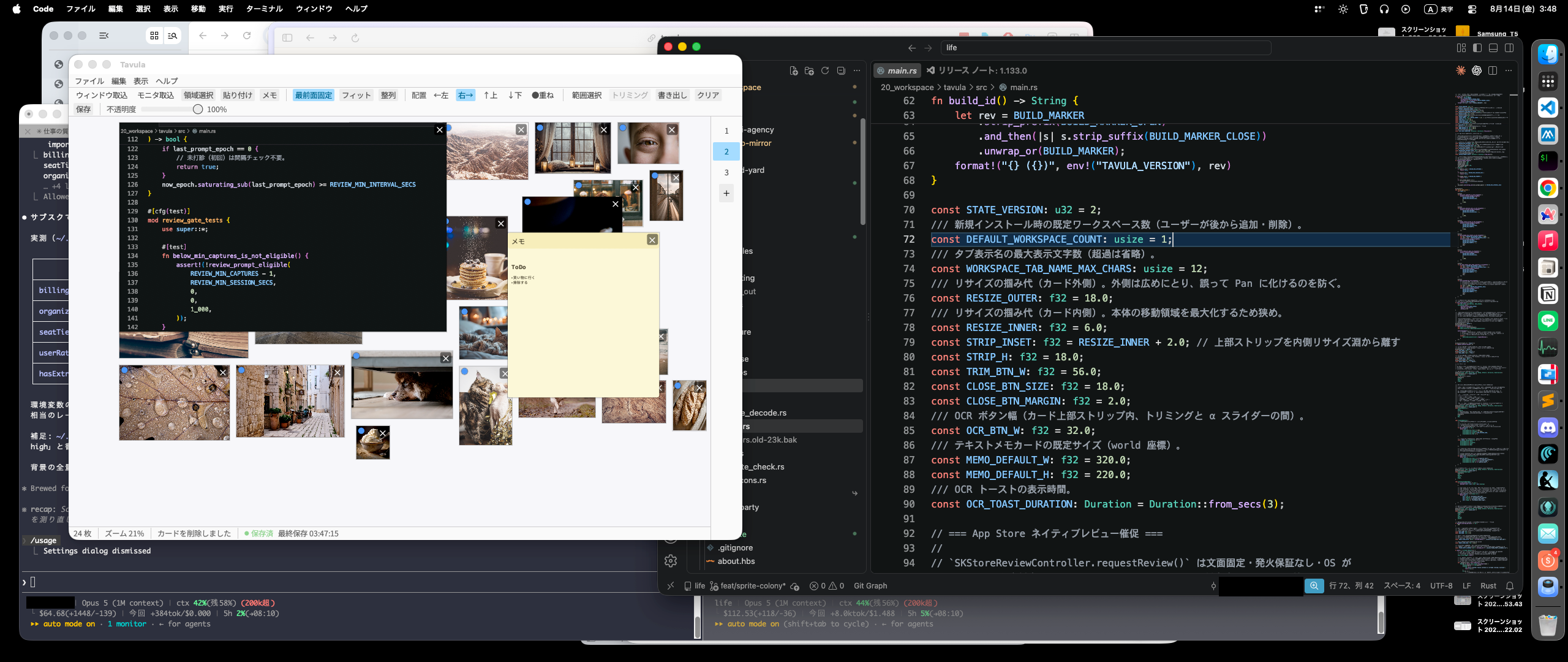
Paste it. See it all. Keep working.
Get that time back
What you lose is not the time. It is the state you were in.
Specs, errors, diagrams, references. Whatever you opened, still at hand.
Hundreds of app trips a day. Every trip skipped, straight back into the work.
Differences, the moment things sit side by side. As wide as you like.
What it does
The screens you already have, parked beside the work. Draw right on them when you need to.
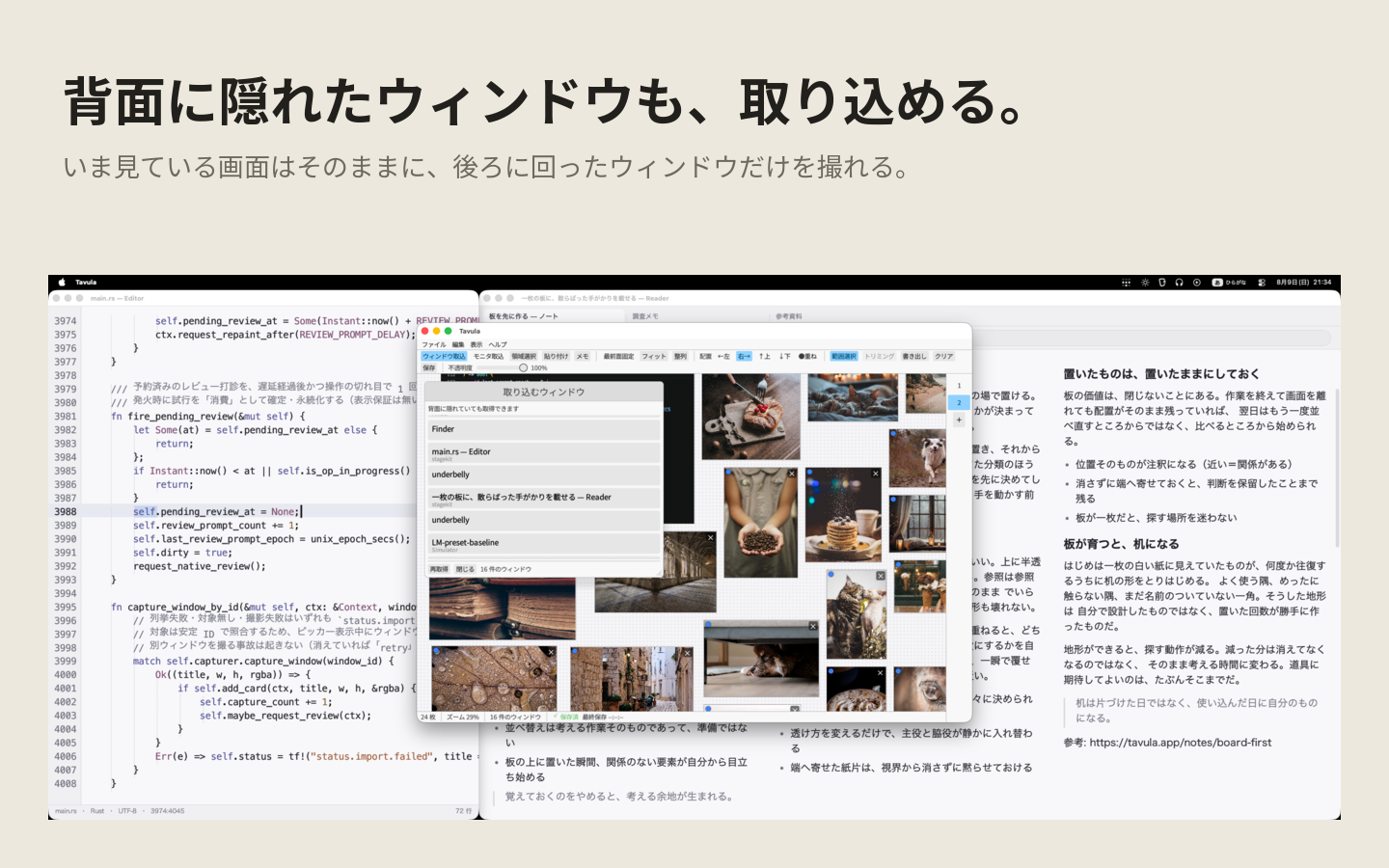
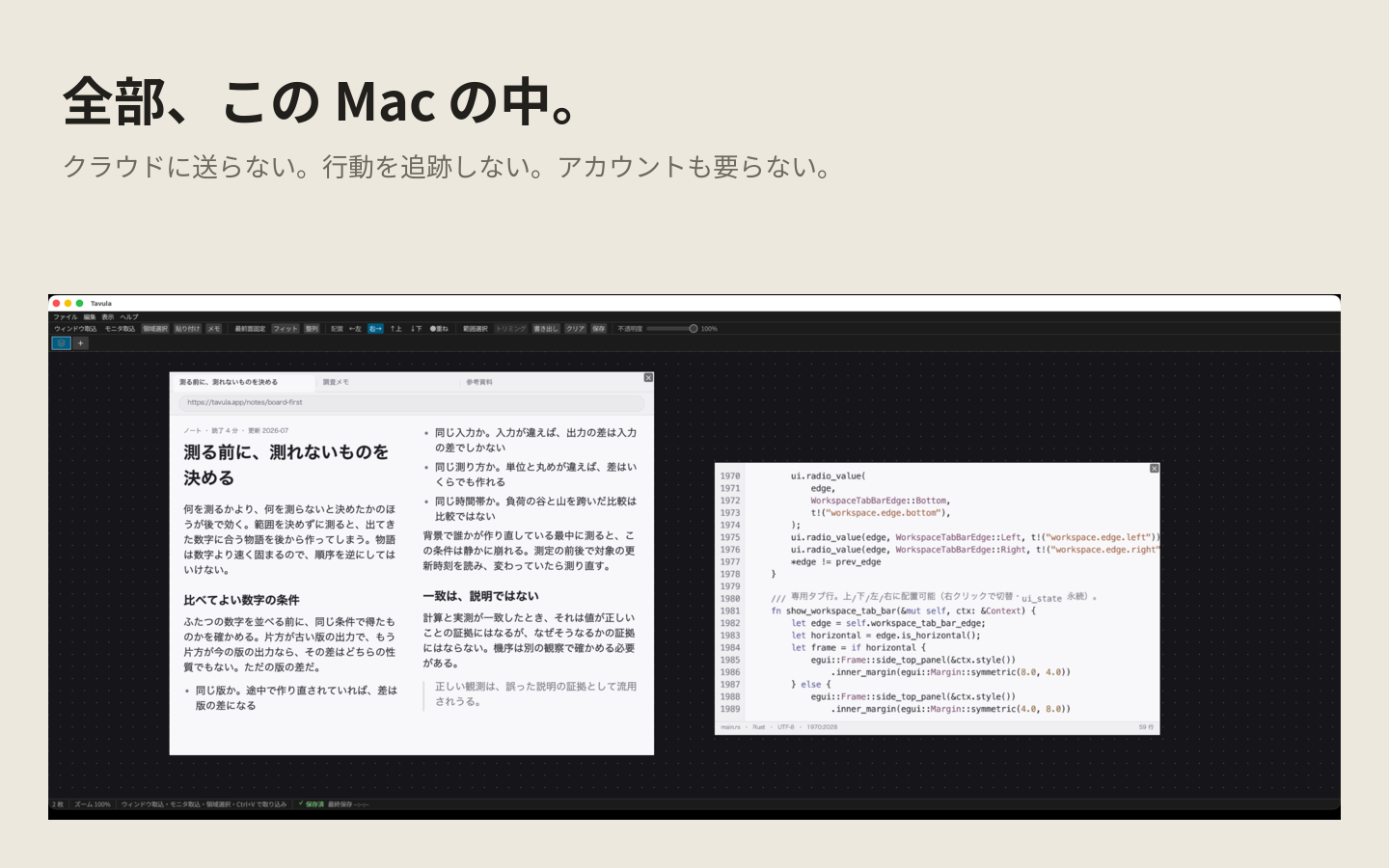
Tavula is a screenshot board for macOS and Windows: it lays the screenshots you took and the windows you captured onto one canvas, and keeps that canvas always on top of your work, translucent.
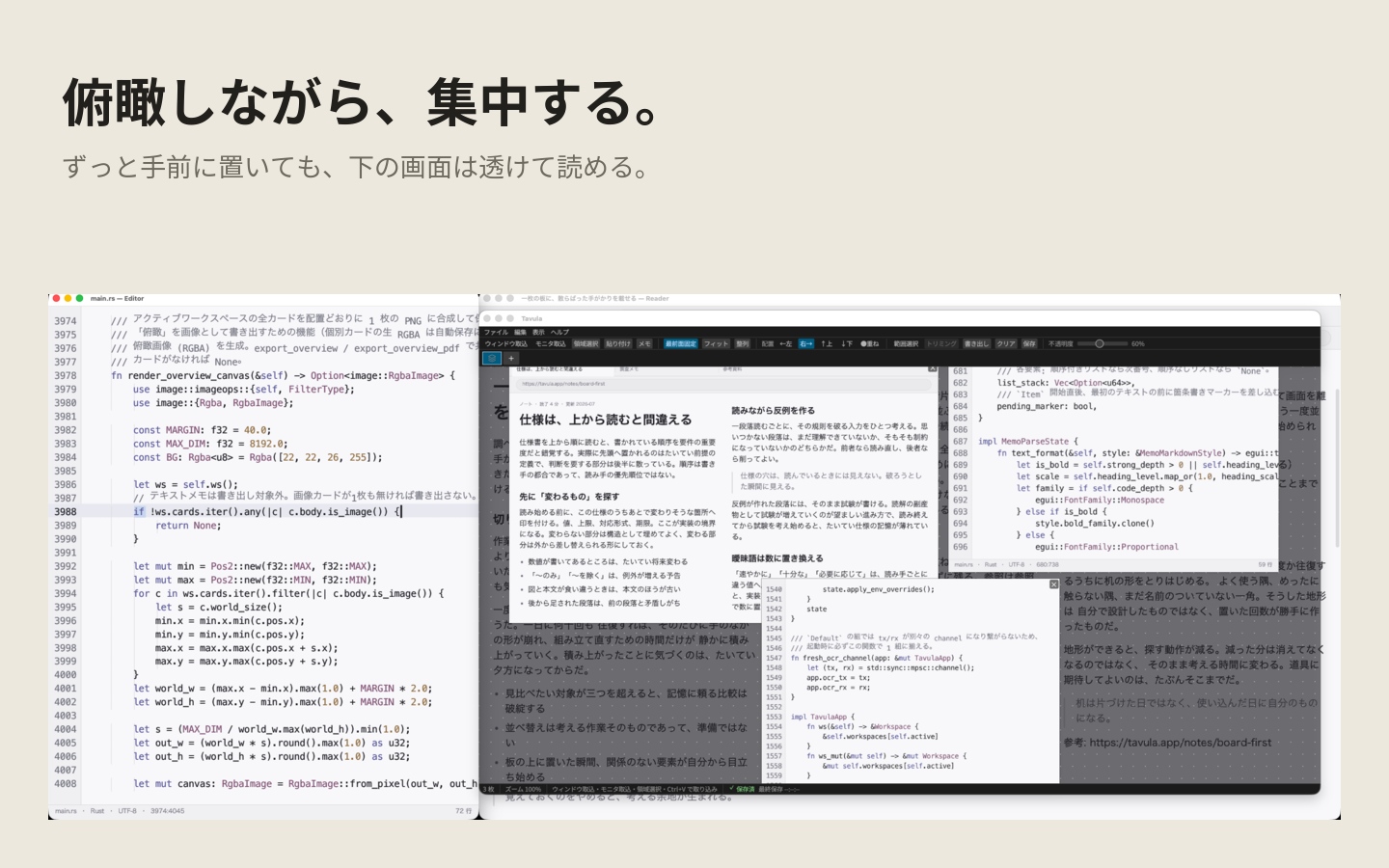
References laid faintly over the editor or the canvas.
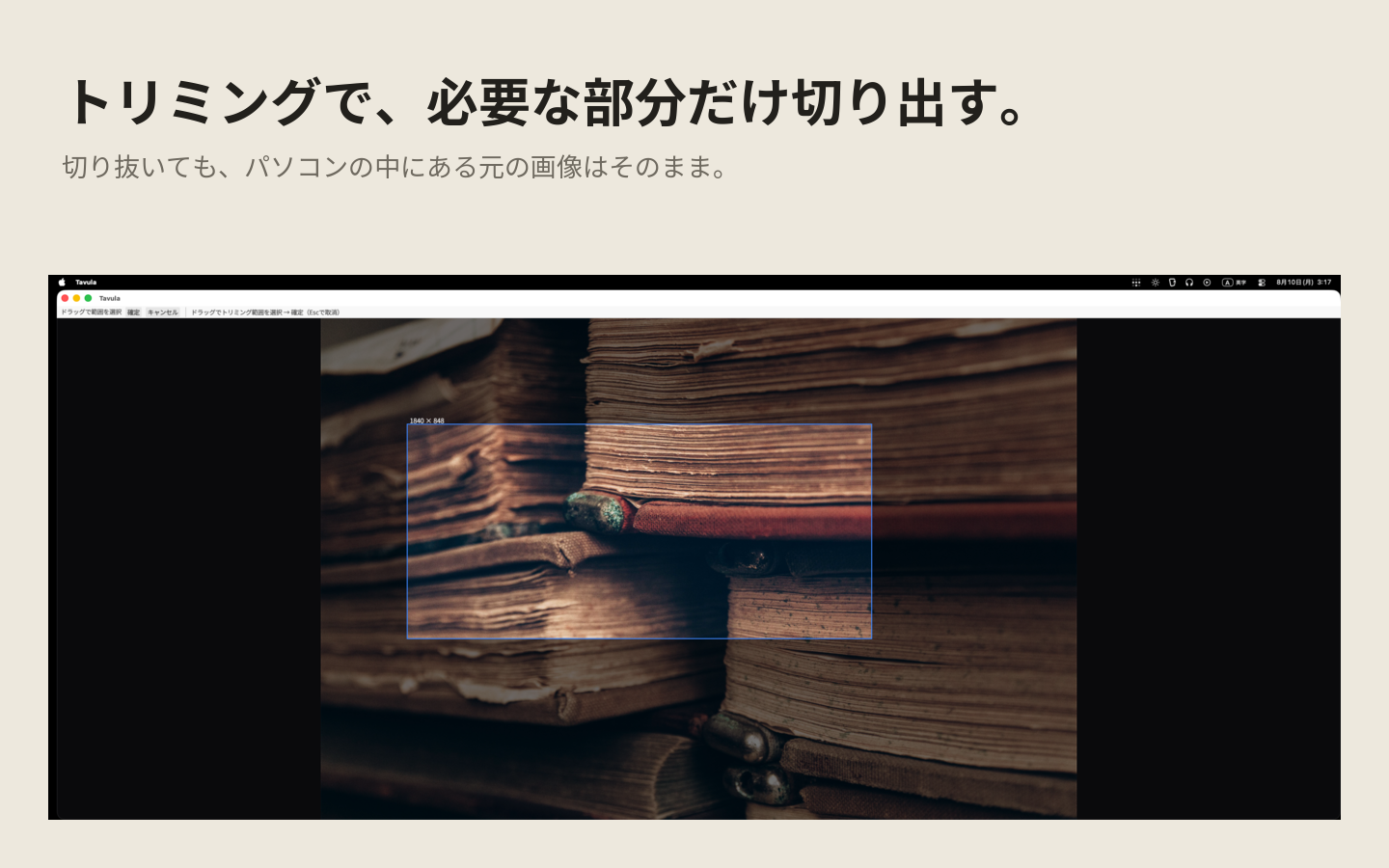
The window or region you are looking at — no save dialog.
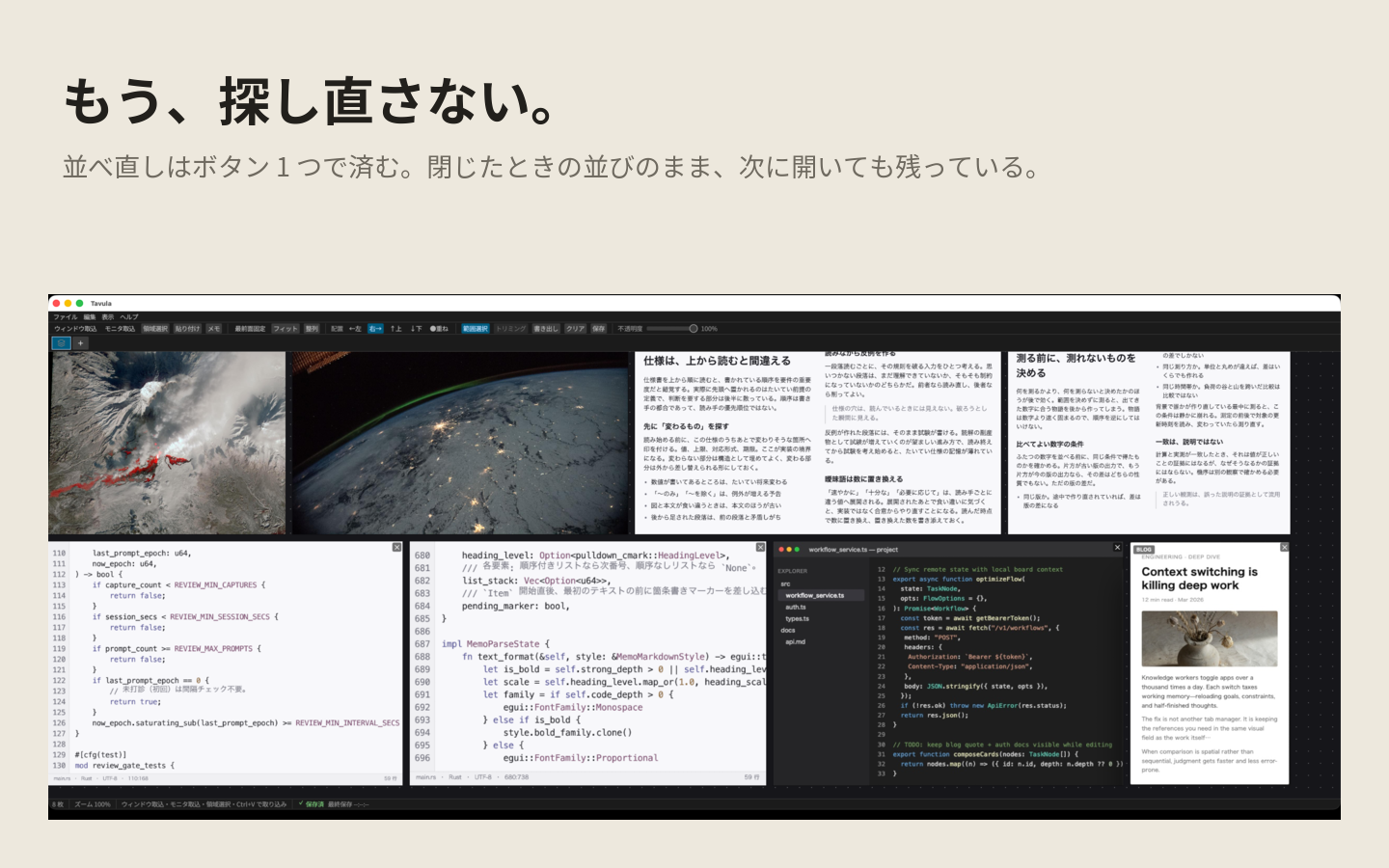
Arrange, move, zoom. The whole picture, still in view.
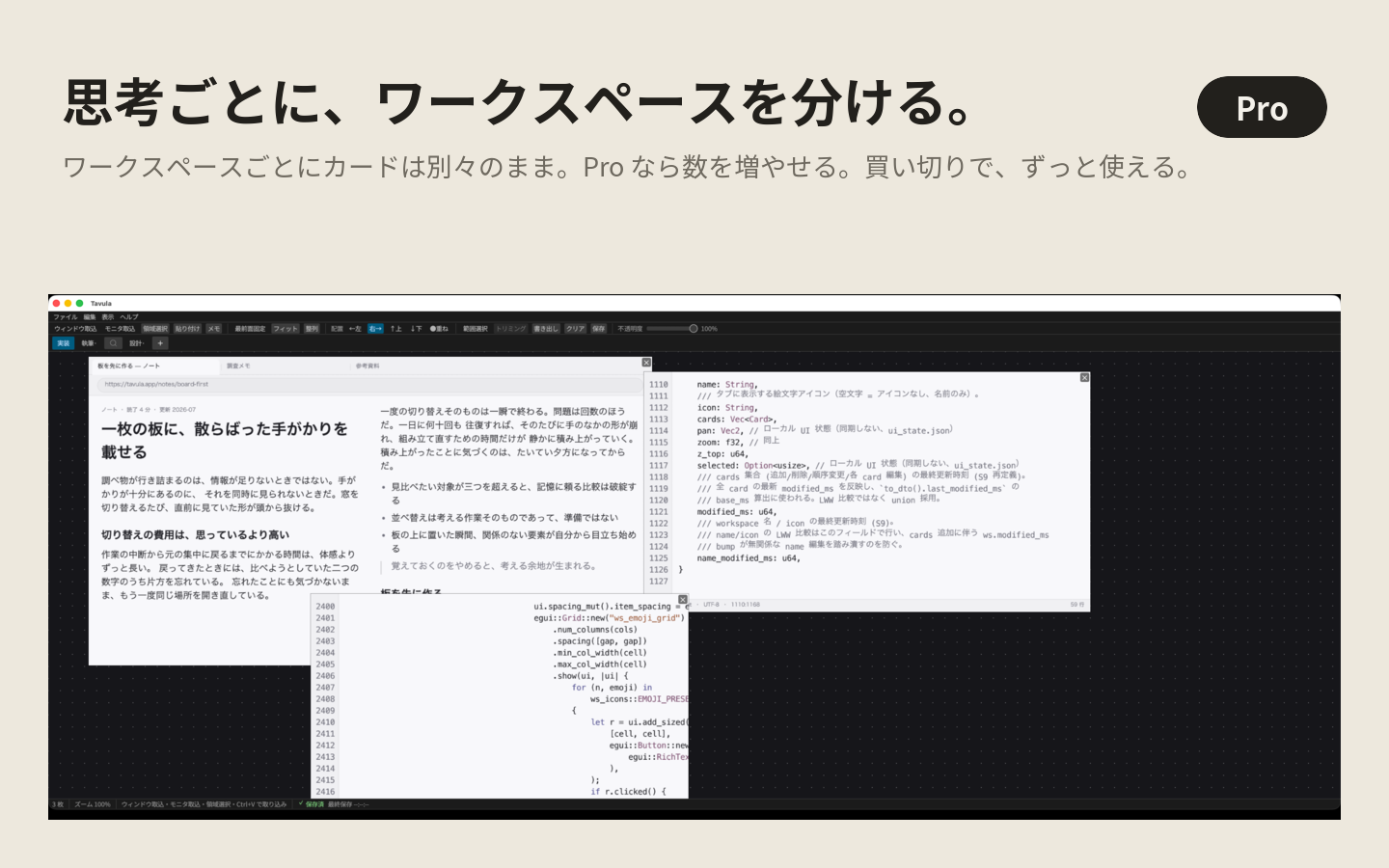
A workspace per mode of mind. Free 3, Pro up to 12.
Everything stays on this Mac. No uploads · no cloud sync · no telemetry.
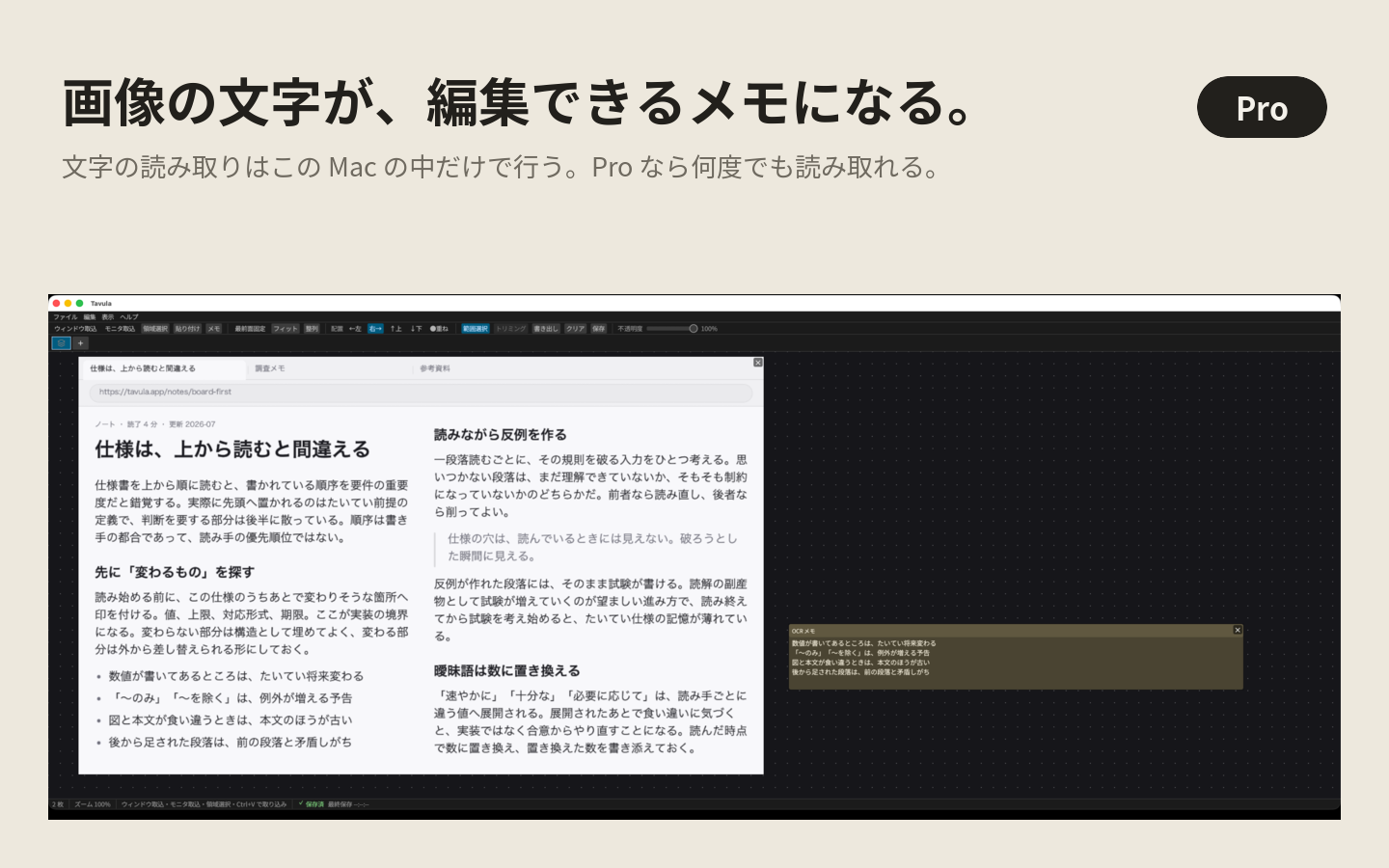
Image text into an editable note. The arranged view as PNG / PDF / SVG (Pro).
Whiteboard
Connect them with arrows. Circle what matters. Sketch in the empty space. A whiteboard that is yours alone — on top of captured screens or on the blank canvas. Nothing is shared.
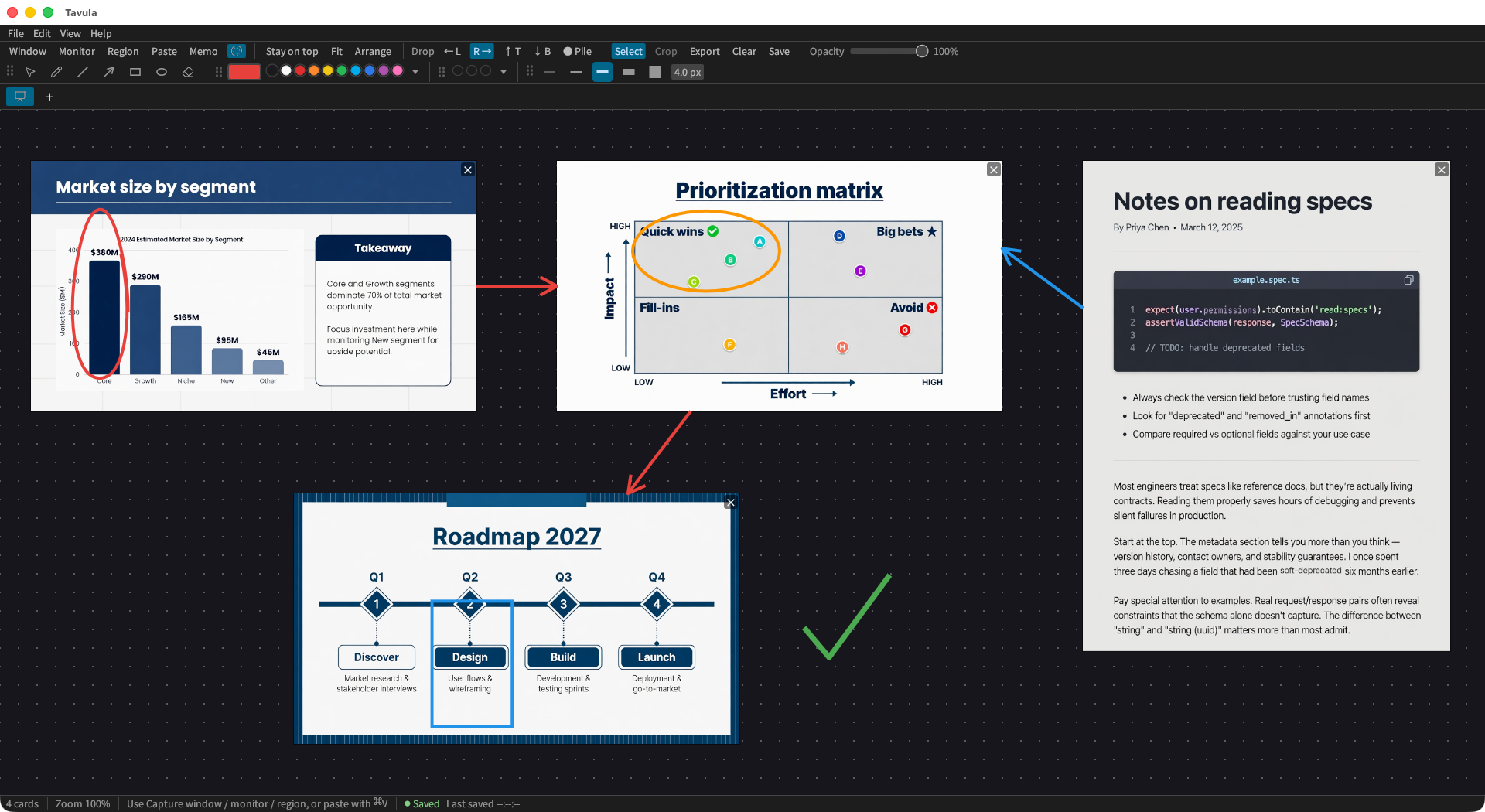
The ends of lines and arrows attach to cards. Move a card and the line follows.
Pen · line · arrow · rectangle · ellipse · eraser.
Move or delete what you drew, select an area, and reconnect a line's end to another card.
A 50-colour palette, a colour picker and 50 favourite slots. Widths from 1 to 64 px.
Drawing has no limits on Free.
Everything it can do
Gather screens, lay them out, keep them on top. Here is each operation and what it saves you.
How it works
Four moves. That is the whole thing to learn.
A window, a monitor, a region, the clipboard, a file.
Lay things out, move them, zoom. Take in the whole thing.
Pinned on top and translucent, a faint reference sits over the real work.
Image text becomes a note; the arranged view becomes one document (Pro).
How it differs
A tab manager shortens the trip. Tavula putsanother screen in place — both in view, one decision.
| Tab manager | Screenshots | Shared board | Tavula | |
|---|---|---|---|---|
| Main purpose | Switch faster | Capture and share | Brainstorm together | A personal reference desk |
| Layered on top | — | Briefly | — | Always |
| Focus without losing the overview | — | — | Partly | The whole point |
| Requires the cloud | Often | Optional | Always | Never |
How people would use it
Real reviews after launch.
"The API and the error sit side by side, and I implement by glancing."
"Interview notes and the screenshots I quote fall into one field of view."
"Our screens never reaching a cloud is what decided it."
Pricing
The core, free and never expiring. One payment for Pro: up to 12 workspaces · drag-to-reorder tabs · unlimited OCR · export of the arranged view.
$0
The core, free for as long as you like.
One-time purchase
$11.99
Bought once (¥1,800), not a subscription
Limited-time launch price $0.99 on the Microsoft Store
For several projects at once.
FAQ
Tavula is a board you paste your screens onto. It captures windows, monitors, and screen regions onto one infinite canvas and keeps that canvas above your work, so you can see everything while you keep working. In one line: never hunt for a screen again.
A one-time purchase. Free is $0 with no time limit, and Pro is a single payment of $11.99 (¥1,800). On the Microsoft Store it is at a limited-time launch price of $0.99 (¥120). There is no monthly or annual plan.
Yes. Tavula itself pins above everything, and the whole app can be made translucent, so references sit over your editor or canvas without hiding it. Opacity is adjustable per card.
Display quality has four steps — Fast, Standard, High quality, and Maximum. A lower step caps the resolution used for drawing, so it uses less memory and GPU. The default is High quality, which stays clean as you zoom in. It only affects what you see: export, OCR, and crop always work from the original image at full resolution.
Yes. Drag PNGs from your desktop or a whole image folder straight onto the canvas — up to 100 in one drop. Files placed by reference are not copied, so nothing takes extra disk space.
A tab manager makes switching faster. A shared whiteboard is a blank surface you draw on together. Tavula takes screens that already exist and keeps them on top — yours alone. You can draw on them, or on the empty canvas, with lines, arrows and shapes; nothing is shared.
Three workspaces, with capture, layout, always-on-top, and persistence. OCR 10 times a day. More workspaces, unlimited OCR, and export are Pro.
Both macOS and Windows. On macOS, OCR uses Apple Vision and reads Japanese and English. On Windows, choose “Enable text recognition” and Tavula copies the Windows text recognition library onto your PC and uses it. On a PC without that library, OCR is not available.
On your device, nowhere else. On macOS (Mac App Store version) it lives in ~/Library/Containers/app.tavula.mac/Data/Library/Application Support/Tavula/, and on Windows in %AppData%\Tavula\ (details on the support page). No cloud, no tracking, no account.
Yes. It is on the Microsoft Store and runs on Windows 10 (version 2004) or later. Pro is bought per store: Pro purchased on the Mac App Store does not unlock Pro on Windows, and the other way round.
From Latin tabula (board, table, writing tablet), a relative of Italian tavola (table). It is a desk where the screens you need stay laid out, ready to draw on.
Get it
The screens you need, at hand.
Start free. Pro is bought once.